Adding profiles manually
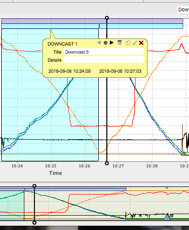
Select Create Annotation and add a profile.
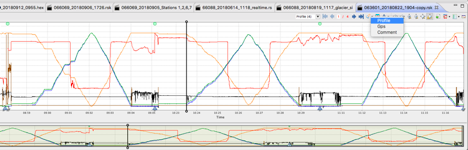
Select the region around one of the profiles in the dataset.
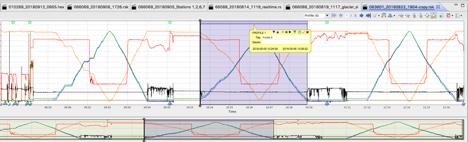
Click the Up and Down arrows on the tooltip to add an upcast or a downcast.
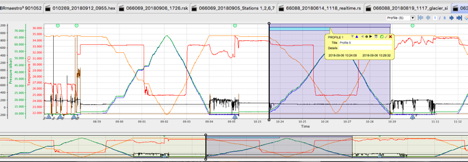
Drag the edge of the cast bar to adjust the regions.
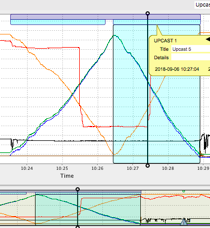 .
. 
Using the Export region button, shown as a folded sheet of paper on the tooltip, export a profile to its own file.
|
The Export region option is not available on Upcast and Downcast tooltips. To generate an RSK file for an upcast or downcast section only, use the Comment annotation to clip the dataset before exporting. |